
Download iCoolsoft Total Video Converter – video converter, HD video, mobile device formats, AVI, WMV, MOV, MPEG, FLV, drag-and-drop, high-definition processing, advanced conversion settings
Overview
iCoolsoft Total Video Converter is a dedicated video conversion utility designed to address the common challenge of format incompatibility across devices and platforms. The app enables users to convert video files between a wide array of formats, including AVI, WMV, MOV, MPEG, and FLV, making it a practical solution for anyone managing multimedia content across different systems. Its primary purpose is to streamline the process of adapting video files for playback on specific devices or platforms, eliminating the need for multiple tools or complex workflows. This makes it particularly useful for users who frequently transfer videos between computers, smartphones, tablets, or media players. The target audience includes both casual users and professionals who require reliable, consistent output without sacrificing video quality. While the developer, iCoolsoft Studio, is not described in detail, the app’s long-standing presence in the productivity space suggests a focus on stable, functional tools. Real-world use cases include preparing home videos for mobile playback, converting HD footage for editing workflows, or adapting content for presentation on older devices. In the broader app ecosystem, iCoolsoft Total Video Converter fills a niche for lightweight, format-agnostic conversion tools, offering a focused alternative to more complex multimedia suites. The developer did not provide additional technical details about integration or cloud capabilities.Key Features & Functionality
The app delivers a suite of features tailored to efficient and high-quality video conversion. A core strength lies in its broad format support, enabling seamless conversion between AVI, WMV, MOV, MPEG, FLV, and other common formats. This flexibility ensures compatibility across a wide range of devices and software platforms. The drag-and-drop interface simplifies file integration, allowing users to add video files directly to the conversion queue without navigating complex menus. This design enhances accessibility for users with limited technical experience while maintaining efficiency for advanced users. High-definition processing is another key feature, preserving visual clarity and resolution during conversion—critical for users working with HD content intended for professional or high-quality personal use. The app also supports popular mobile device formats, making it suitable for preparing videos for iPhones, Zune, PSP, and Blackberry devices. This ensures playback compatibility without additional formatting steps. Advanced conversion settings allow customization of codecs, saturation levels, and subtitle inclusion, giving users control over output quality and metadata. These settings are particularly valuable for users who need precise control over video output, such as content creators or media managers. The developer did not specify additional features beyond these core functionalities.Real-World Use Cases
- Converting a home movie from AVI to MP4 for playback on an iPhone.
- Adapting HD video footage for use in a presentation on a Windows-based projector.
- Batch converting multiple FLV files to WMV for archival storage.
- Preparing video content for a mobile device with limited format support.
- Customizing video output with subtitles and color adjustments for a specific audience.
Interface, UX & Performance
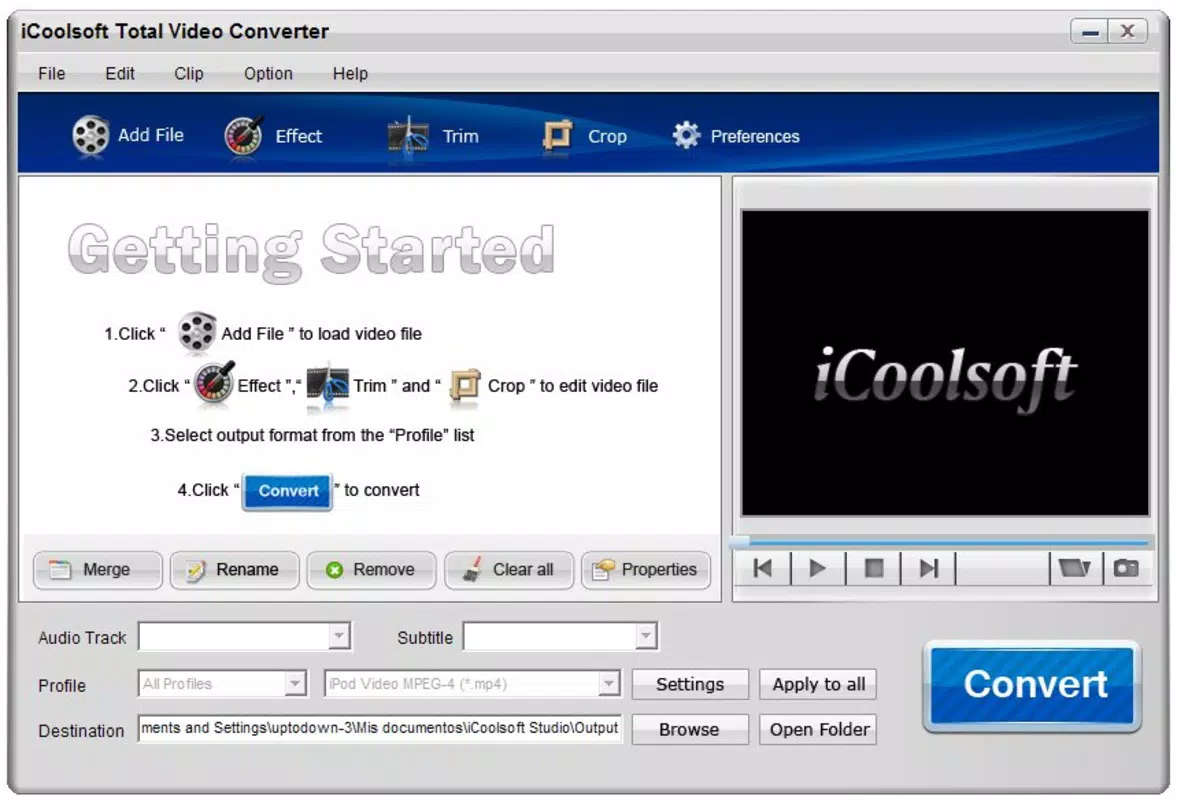
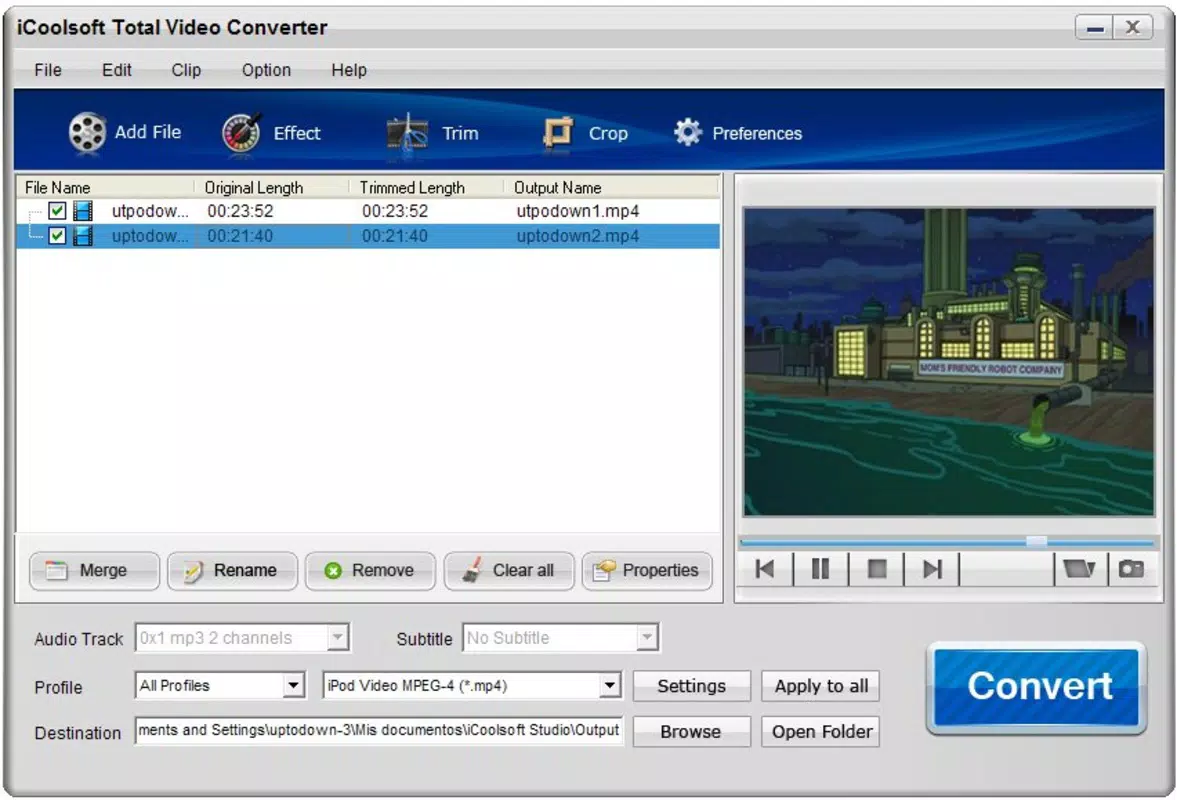
The interface of iCoolsoft Total Video Converter is designed around simplicity and efficiency, centered on a drag-and-drop workflow that reduces user friction. The layout is clean and uncluttered, with essential controls—file import, format selection, and conversion initiation—placed within easy reach. Navigation is linear and intuitive, minimizing the learning curve for new users. The app maintains consistent responsiveness during file processing, though the developer did not list formal performance metrics. It is optimized for Windows systems, and while specific device compatibility was not disclosed, the application is expected to function across standard desktop environments. Stability appears to be a priority, given the app’s long release history. Users can expect reliable performance during single and batch conversions, though the absence of real-time progress tracking or pause/resume functionality was not confirmed. The user experience is enhanced by the clear visual feedback during conversion, including status indicators and output file previews. Although the developer did not list formal performance metrics, the app’s lightweight size of 22.4 MB suggests efficient resource usage. The lack of cloud integration or automated batch processing features was not mentioned.Platform Compatibility & Technical Requirements
iCoolsoft Total Video Converter is available exclusively for the Windows platform. The app is compatible with Windows operating systems, though specific minimum OS versions were not listed. The software version is 1.0.1.1203, and the file size is 22.4 MB, indicating a lightweight installation. The developer did not specify minimum RAM, CPU, or disk space requirements. Compatibility information was not fully disclosed, so users are advised to ensure their system meets general Windows application standards. The app does not support mobile platforms such as Android or iOS. Updates are not detailed in the provided information, but the release date of December 14, 2010, suggests a legacy status. Users should verify system compatibility before installation. The developer did not provide additional technical details about hardware acceleration or GPU support.Pros and Cons
- Supports a wide range of video formats including AVI, WMV, MOV, MPEG, and FLV.
- Intuitive drag-and-drop interface suitable for beginners and experienced users.
- Preserves high-definition quality during conversion processes.
- Optimized for popular mobile device formats like iPhone, Zune, PSP, and Blackberry.
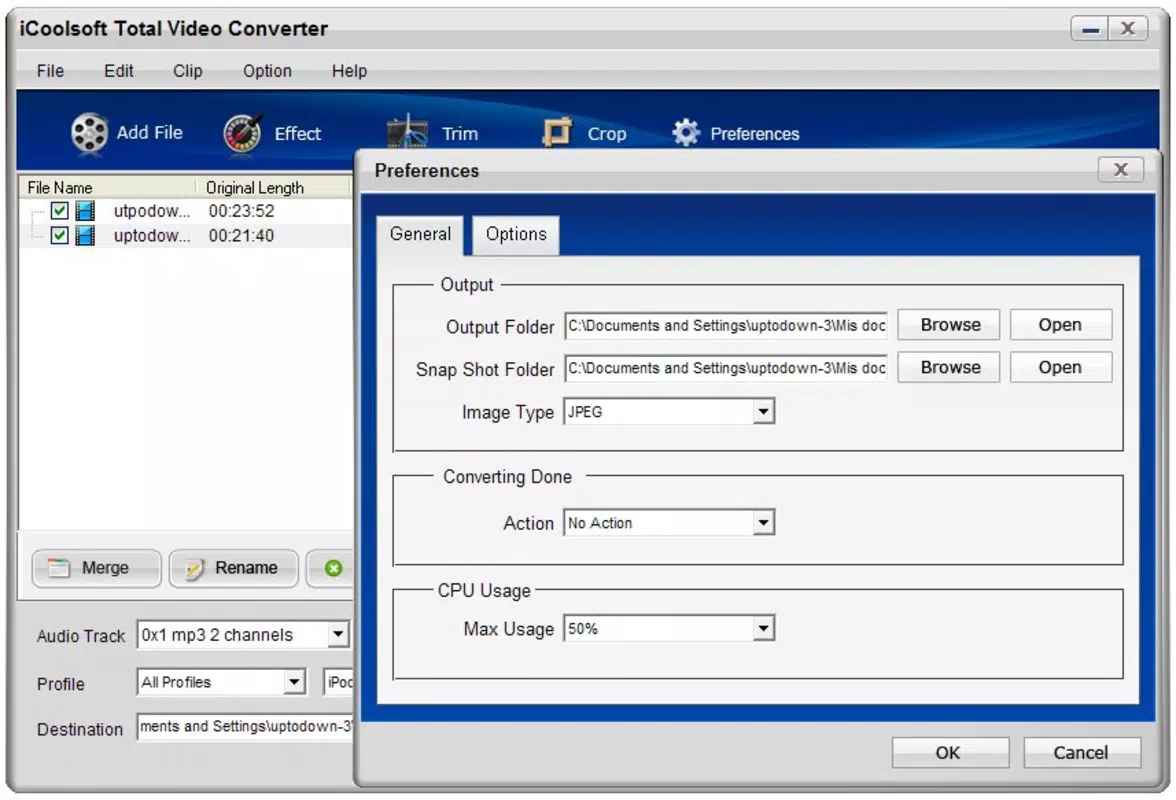
- Offers customizable conversion settings for advanced users.
- Only available for Windows; no support for Android or iOS platforms.
- Release date from 2010 suggests potential outdated technology or lack of modern updates.
- Specific system requirements were not listed.
- Advanced features may require technical knowledge to configure effectively.
- File size is small, but no information on cloud or sync capabilities.
FAQ
Is iCoolsoft Total Video Converter safe to download and install?
The app is available from the developer’s official source. Users should ensure they download from trusted platforms to avoid third-party modifications. No security risks were reported in the provided information.
Can I convert multiple videos at once?
Yes, the app supports batch conversion, allowing users to add multiple files and process them in a single session.
Does the app support HD video conversion?
Yes, the app is designed to handle high-definition video processing while maintaining output quality.
Is there a free version available?
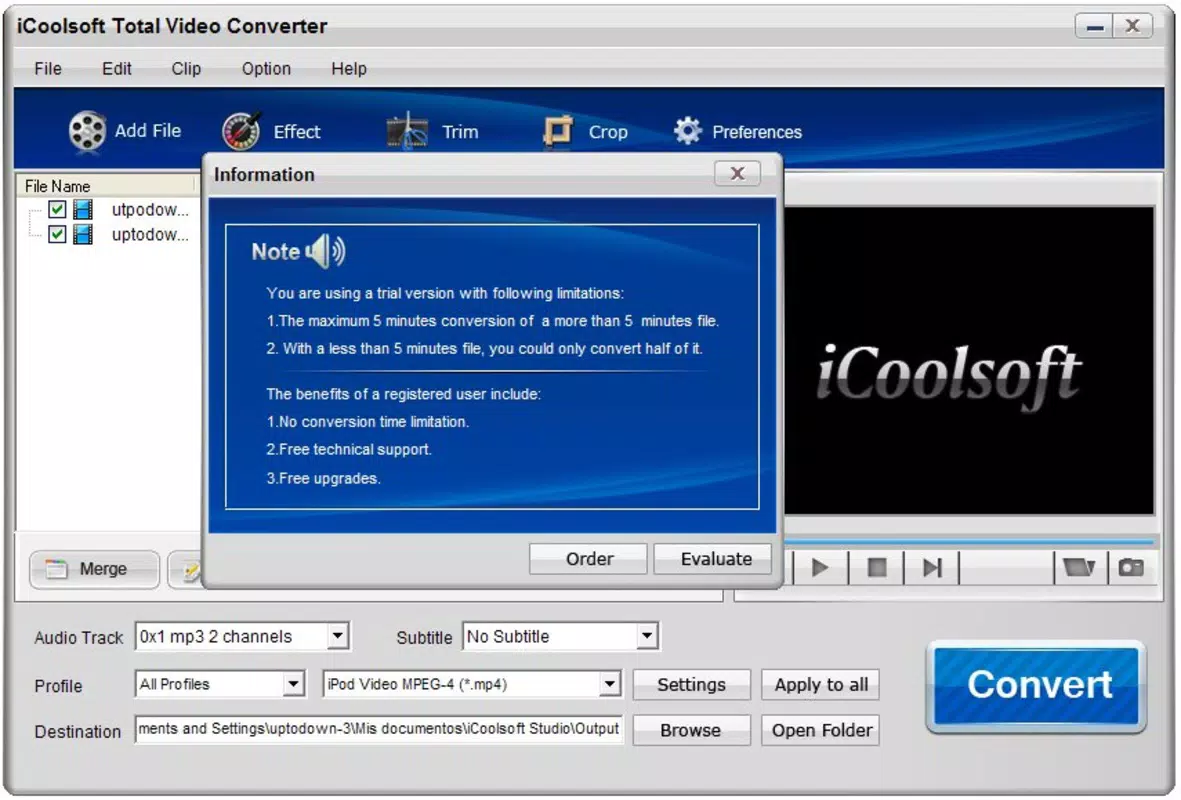
The app is priced at $49.95, and no free version or trial was mentioned in the provided data.
Can I use this tool on my iPhone or Android device?
No, the app is only compatible with Windows systems and cannot be installed on mobile devices.


